Built for Developers: Why Power Users Love Chat with AI
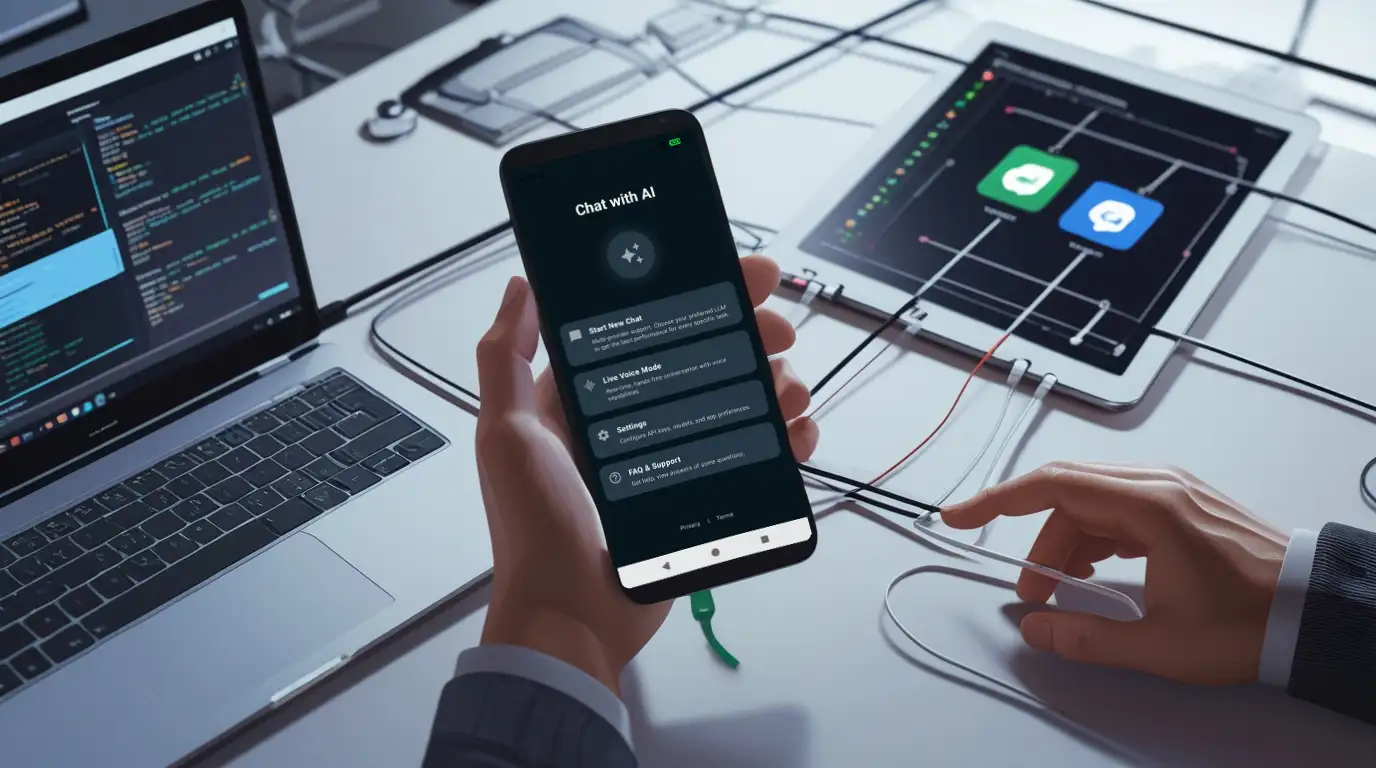
Not all AI chat apps are created equal. Most are designed for casual users: polished, simple, and locked into a single provider.
If you’re a developer, researcher, or power user, that can be frustrating. You want flexibility, transparency, and control, not restrictions.
That’s exactly why Chat with AI has become a favorite for power users on Android.
Why Developers Struggle with Most AI Apps
Typical AI chat apps:
Limit which models you can use
Lock you into one provider
Hide usage costs and API behavior
Make it difficult to experiment or debug
For developers, these limitations slow down workflows and make AI experimentation more cumbersome.
Features Developers Actually Love
1. Multiple AI Providers
Chat with AI supports:
OpenAI for high-quality reasoning and coding help
Anthropic for safe, aligned AI responses
Google AI for context-aware answers and search integration
xAI for experimental and innovative outputs
You can connect all of them at once using your own API keys, then switch instantly as needed.
2. Local and Self-Hosted Models
Developers often need privacy, offline capability, or testing environments. Chat with AI lets you:
Connect to local servers
Use self-hosted LLMs on your network
Work offline or in secure environments
This makes it perfect for testing sensitive prompts or experimenting without exposing data to the cloud.
3. Instant Model Switching
Switching between models is as simple as a dropdown menu:
Compare responses across providers
Test prompt variations instantly
Mix cloud and local AI seamlessly
No restarting, re-logging, or juggling multiple apps.
4. Tool Integration & Extensibility
Power users often rely on external tools and workflows. Chat with AI integrates with:
Tavily Search for advanced queries
MCP servers for custom workflows
These integrations make it easier to build complex AI experiments right from your phone.
5. Transparency & Control
Developers care about understanding what’s happening under the hood:
Your API keys are yours — the app never proxies or stores them
You control which models you use
You manage costs and data flow
This separation of app subscription and AI usage is a big reason developers trust it.
Real-World Use Cases for Power Users
Testing Prompts: Compare models quickly to refine prompts
AI Development: Debug and benchmark AI responses for apps or research
Private Workflows: Run offline LLMs for sensitive projects
Experimentation: Try different providers and models without switching apps
Essentially, the app adapts to how you work, not the other way around.
Why Android Makes a Great AI Playground
Developers love experimenting on mobile because:
You can test prompts in real-world, portable scenarios
You can use both online and offline models
You can switch between providers instantly
It’s a lightweight, flexible alternative to complex desktop setups
Chat with AI transforms your Android device into a mobile AI lab.
Final Thoughts
If you’re a developer, researcher, or power user, AI isn’t just a toy — it’s a tool.
Chat with AI is designed to give you the flexibility, control, and transparency you need:
Multiple providers at your fingertips
Local, self-hosted, and cloud AI support
Instant model switching
Integrations for advanced workflows
It’s more than an app. It’s a platform for experimentation and productivity on Android.