Cloud AI vs Local AI on Android: Which One Should You Actually Use?
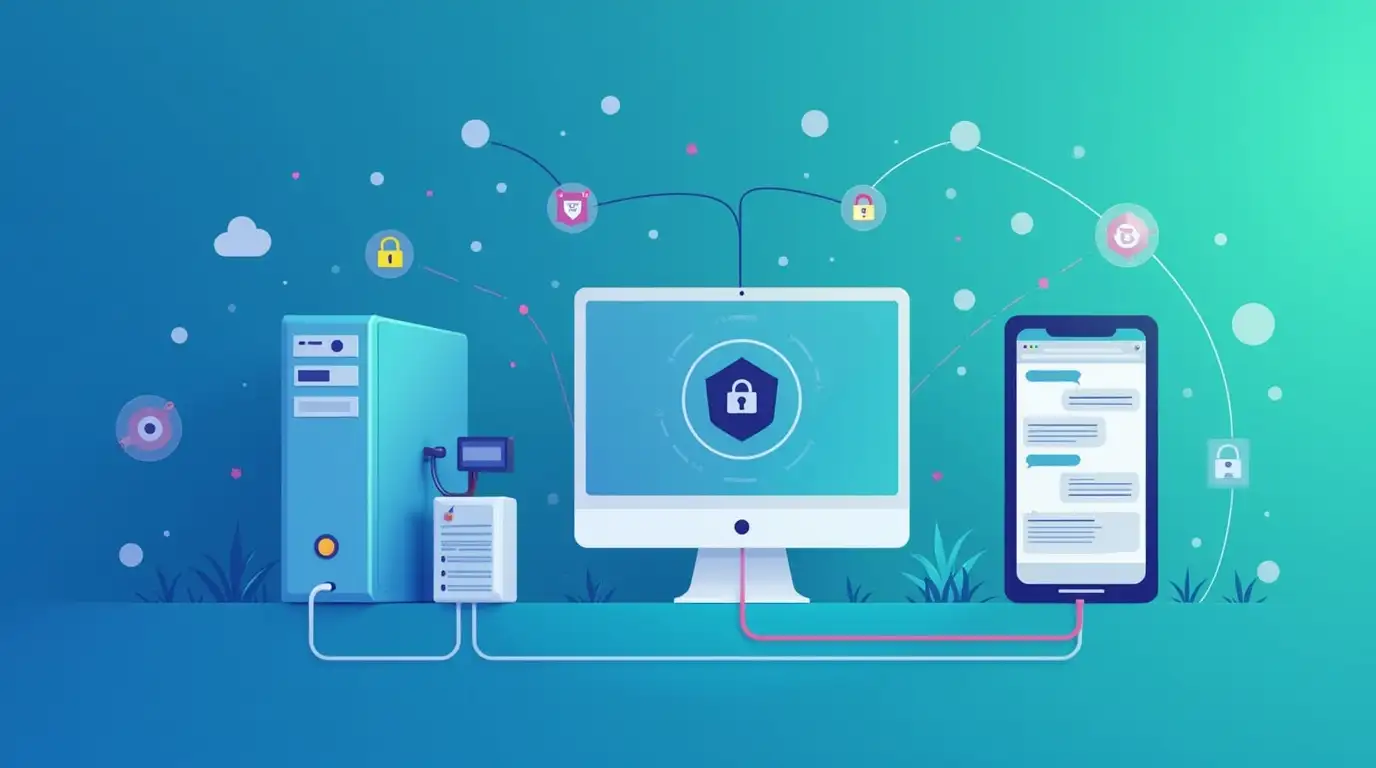
If you’ve spent any time using AI tools, you’ve probably heard people argue about this:
“Cloud AI is better.”
“No, local AI is the future.”
The truth is a bit less dramatic.
Both cloud AI and local AI have real strengths - and real downsides. The best option depends on what you’re doing, where you are, and what you care about most.
Let’s break it down in a way that actually helps you decide.
What We Mean by Cloud AI and Local AI
Before comparing them, it helps to be clear about what these terms mean.
Cloud AI
Cloud AI runs on servers owned by providers like OpenAI or Google. Your prompts are sent over the internet, processed remotely, and responses come back to your device.
Examples:
GPT models
Google-hosted AI models
Any AI service accessed purely over the internet
Local AI
Local AI runs on hardware you control — usually:
A desktop or laptop
A home server
A machine on your local network
Your Android device connects to that server, often using an OpenAI-compatible API. No external internet connection is required once everything is set up.
Examples:
Ollama
LM Studio
Other self-hosted LLM servers
Performance: Speed vs Power
Cloud AI Performance
Cloud models are usually:
Faster for complex tasks
More capable at reasoning and long context
Better at edge cases and nuanced prompts
They’re backed by serious hardware, and it shows.
Local AI Performance
Local models depend heavily on your hardware.
They’re often:
Slightly slower
Less capable with long or complex prompts
More than good enough for everyday tasks
For writing, brainstorming, coding help, or casual chat, local AI is often surprisingly solid.
Privacy: Where Local AI Really Shines
This is where local AI has a clear advantage.
With cloud AI:
Your prompts leave your device
Data passes through third-party servers
You’re trusting provider policies
With local AI:
Conversations stay on your network
No external servers are involved
You control storage and retention
If privacy actually matters to you — not just in theory — local AI is hard to beat.
Cost: Predictability vs Convenience
Cloud AI Costs
Cloud AI usually means:
Pay-per-use pricing
Or bundled costs inside a subscription
Ongoing usage-based expenses
It’s convenient, but costs can creep up over time.
Local AI Costs
Local AI costs are mostly upfront:
Hardware
Electricity
Time spent setting things up
After that, usage is effectively “free.” No per-message billing. No surprise charges.
Internet Dependency
This one’s simple.
Cloud AI requires a stable internet connection.
Local AI works offline once connected to your local server.
If you travel, work remotely, or deal with unreliable connectivity, local AI can be a lifesaver.
Why You Don’t Have to Choose Just One
Here’s the part most people miss:
you don’t have to pick a side.
With Chat with AI, you can use both.
Cloud AI for high-quality reasoning
Local AI for private or offline conversations
Switch models instantly depending on the task
No reinstalling apps. No juggling tools. Just choose what makes sense in the moment.
Real-World Examples
You might use:
Cloud AI for deep research, long-form writing, or complex coding help
Local AI for notes, journaling, private brainstorming, or offline use
Different tools for different jobs — all in one app.
The Flexible Approach Wins
The debate between cloud and local AI isn’t about which one is “better.”
It’s about control.
When you can:
Choose the model
Choose where it runs
Choose how your data is handled
You get the best of both worlds.
Final Thoughts
Cloud AI is powerful.
Local AI is private.
The smartest setup is one that lets you use both — without friction.
That’s exactly what Chat with AI is designed for: flexibility without forcing you into a single way of using AI.
Use what you need, when you need it, on your terms.