Empowering Accessibility: The Role of Offline AI in Supporting People with Disabilities
Bridging the Digital Divide
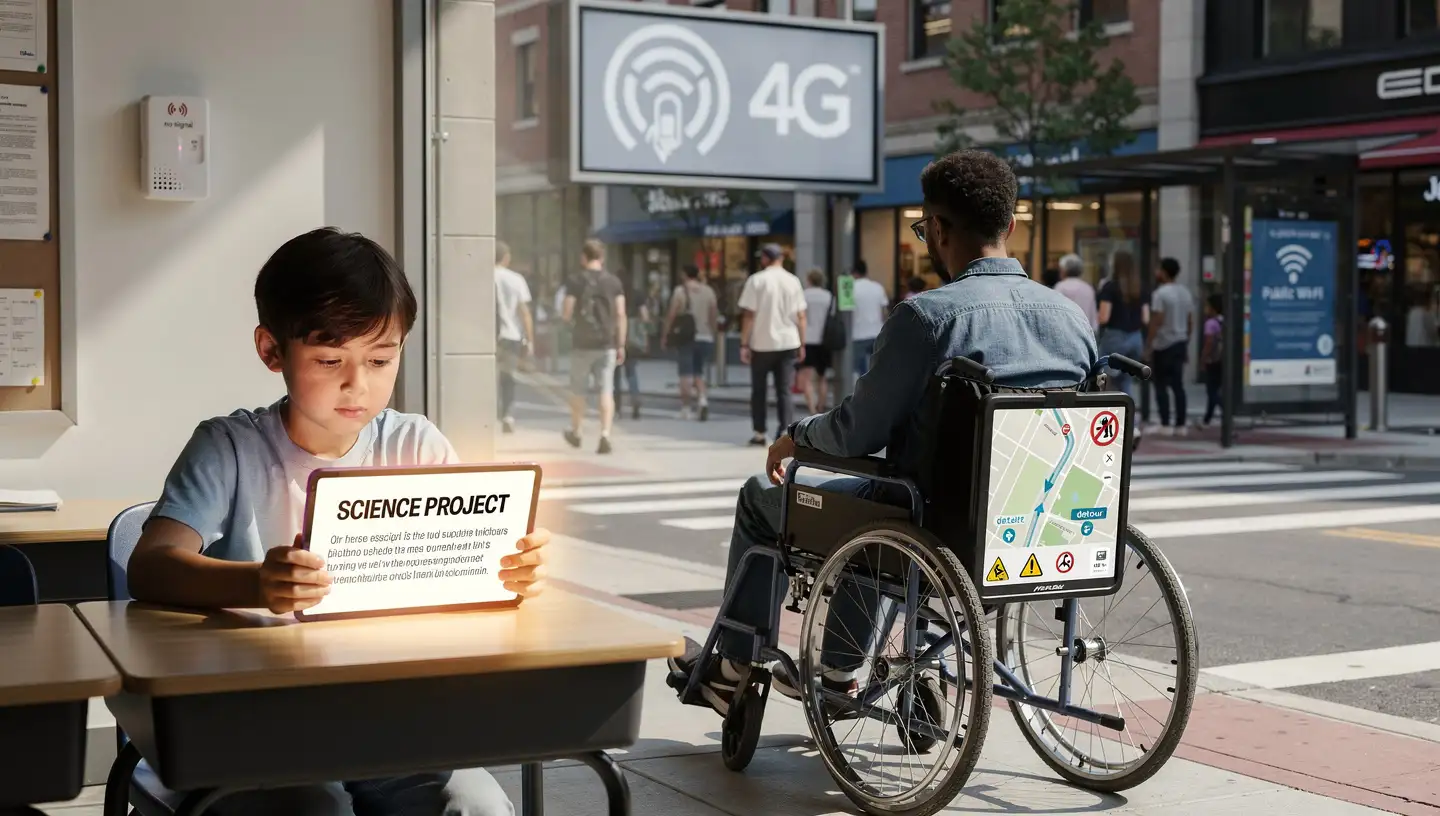
A child with low vision tries to follow a lesson in a classroom with unreliable internet. An adult with mobility challenges navigates an unfamiliar city where cloud-based navigation tools do not work. These are not edge cases. They reflect a broader digital divide that affects millions of people with disabilities.
More than 40 million Americans live with a disability, according to the U.S. Census Bureau. Access to basic technology is significantly lower in this group. Only 62 percent own a desktop or laptop computer, compared with 81 percent of non-disabled adults. Fifteen percent never go online, three times the rate of people without disabilities. Just 26 percent have full access to high-speed internet, smartphones, computers, and tablets, compared with 44 percent among those without disabilities.
These gaps limit access to education, work, healthcare, and public services. They also highlight the need for assistive technologies that do not depend on constant connectivity. Offline AI, which processes data directly on a device instead of sending it to the cloud, is one response to this problem. It allows tools such as screen readers, translation, and navigation aids to work without internet access, while keeping personal data local.
For children with disabilities, assistive technology is closely tied to educational access. Tools that work reliably in classrooms, homes, and community settings help students participate in lessons, communicate with peers, and build skills needed for employment and civic life.
How On-Device AI Works
Offline AI runs machine learning models directly on a phone, tablet, computer, or dedicated device. Tasks such as speech recognition, image analysis, and text prediction are handled locally, without sending data to remote servers. This allows features like language translation, object recognition, and predictive text to function even in areas with poor or no connectivity.
Because processing happens on the device, offline AI can work in rural areas, during travel, or in settings where internet access is unstable or unavailable. This matters for many people with disabilities, who are more likely to face connectivity gaps. It also reduces the need for expensive hardware or continuous data plans, making assistive tools more accessible.
Privacy is another core difference. Audio recordings, images, and personal interactions stay on the device instead of being transmitted externally. This is particularly important for health-related or accessibility apps that handle sensitive information and must meet regulatory and ethical standards.
Reliability follows from this design. Offline systems do not fail when a connection drops. Research on privacy-first, local AI systems shows that they can achieve detection accuracy between 75 and 90 percent, with response times under one second, even without cloud support. These systems are already being used in education, financial services, and guidance tools designed for underserved populations, including people with disabilities.
In language-related tasks, offline natural language processing supports speech-to-text and text-to-speech features. These tools provide real-time transcription and audio output without delays caused by network latency, supporting day-to-day independence.
Cloud Dependence and Data Risks
Cloud-based assistive tools rely on sending user data to remote servers for processing. This model raises both reliability and privacy concerns. Connectivity failures can interrupt access at critical moments. Data transmission increases exposure to breaches, especially when sensitive health, location, or audio data is involved.
Large-scale data breaches have become common across industries, including healthcare and education. Keeping accessibility data on-device reduces the amount of personal information stored centrally and limits the consequences of system-wide security failures. For users who already face barriers to digital access, minimizing these risks is not a theoretical concern. It directly affects trust and adoption.
Offline AI does not eliminate all risks, but it shifts control toward the user and the device, rather than distant infrastructure that users cannot see or manage.
Autonomy and Control Compared to Cloud AI
The distinction between offline and cloud AI is also a question of autonomy. Cloud-based systems depend on external services, pricing models, and policy decisions made by providers. Features can change or disappear. Access can be restricted by geography or network quality.
Offline AI places more control in the hands of users. Core functions remain available regardless of location or connectivity. This matters for people who rely on assistive tools not as conveniences, but as necessities for communication, navigation, and learning.
Real-World Applications in Vision and Mobility
Several widely used accessibility tools now rely heavily on local processing.
Apple has expanded offline accessibility features across its devices. The Magnifier app uses the device camera to zoom in on text and surroundings for blind or low-vision users, operating entirely offline. Braille Access allows note-taking and Nemeth Braille calculations on iPhone, iPad, Mac, and Apple Vision Pro without an internet connection. Accessibility Reader customizes text system-wide to improve readability, also using on-device processing.
Envision uses onboard AI chips to perform fast, offline tasks such as reading printed and handwritten text through optical character recognition, recognizing faces and objects, scanning barcodes, and navigating via voice commands. The design reduces reliance on touchscreens and keeps visual data on the device. Other tools, including BeMyEyes and Seeing AI, combine local processing with cloud-based features. Their offline capabilities vary, but recent updates emphasize minimizing cloud use where possible.
Mobility tools show similar patterns. A Raspberry Pi-based assistive system combines offline object detection, OCR, face recognition, and voice commands, with no external data transmission. It is designed for use in resource-limited and rural environments. NaviLens uses color-coded tags to help users navigate public spaces without connectivity. On Android, Live Caption and Live Transcribe provide real-time captions and text for audio, video, and conversations, with offline support for many use cases. These features are essential for Deaf and Hard of Hearing users, as well as people with auditory processing challenges. LidSonic V2.0 offers cloud-free navigation support for people with physical mobility limitations, focusing on real-time environmental awareness.
Education and Communication Without Connectivity
Offline AI also supports education and communication by adapting to individual needs without requiring constant internet access.
Audemy is an audio-based learning platform that serves more than 2,000 blind or visually impaired students. It uses conversational AI to deliver interactive lessons and adjusts content based on accuracy, pacing, and engagement. The system integrates with existing assistive technologies and processes interactions locally to protect privacy. Educators report that its dialogue-based approach increases participation while maintaining human oversight in learning environments.
In communication, Proloquo2Go converts spoken words to text for users with speech impairments, operating locally to avoid cloud delays and protect sensitive conversations. Microsoft 365’s Immersive Reader adjusts fonts, spacing, and text highlighting offline, improving access for people with reading difficulties.
Offline processing also plays a role in document accessibility. A collaboration between Ohio State University and Arizona State University uses AI to remediate PDFs by identifying accessibility issues and correcting them automatically. A 17-page document can be fixed in about 3.5 minutes, at a cost of only pennies per page. The resulting files are compatible with screen readers and accessibility standards, without requiring continuous cloud processing.
Regulation and Emerging Trends
Regulatory changes are reinforcing the importance of accessible technology. In April 2024, the U.S. Department of Justice issued a rule under Title II of the Americans with Disabilities Act requiring state and local government websites and mobile apps to meet WCAG 2.1 Level AA standards. The rule targets barriers such as missing image descriptions and inaccessible navigation that prevent screen reader users from accessing public services.
Offline tools, including local screen readers and text-to-speech systems, fit well within these requirements because they can interpret and present content without relying on external services.
Looking ahead, smaller and more efficient local AI models are expected to expand offline education, guidance, and assistive services for underserved populations. These trends align with broader efforts to reach the estimated three billion people worldwide who remain offline or under-connected.
Conclusion
Offline AI is becoming a central part of accessibility technology. By processing data locally, it reduces dependence on unreliable networks, limits data exposure, and gives users greater control over essential tools. Real-world examples in vision, mobility, education, and communication show that these systems are already delivering practical benefits.
As regulations clarify accessibility requirements and local AI models continue to improve, offline assistive technologies are likely to play an even larger role. For people with disabilities, the impact is concrete: more reliable access, stronger privacy, and greater independence in daily life.