Empowering Privacy: Running Local AI Models on Android for Secure, Offline Conversations
Introduction to local AI on Android
It is now possible to use an AI assistant on an Android phone without sending any data to the cloud. Local AI means the model runs directly on the device, using the phone’s own processor, memory, and storage. Conversations, translations, and summaries stay on the phone and never reach external servers.
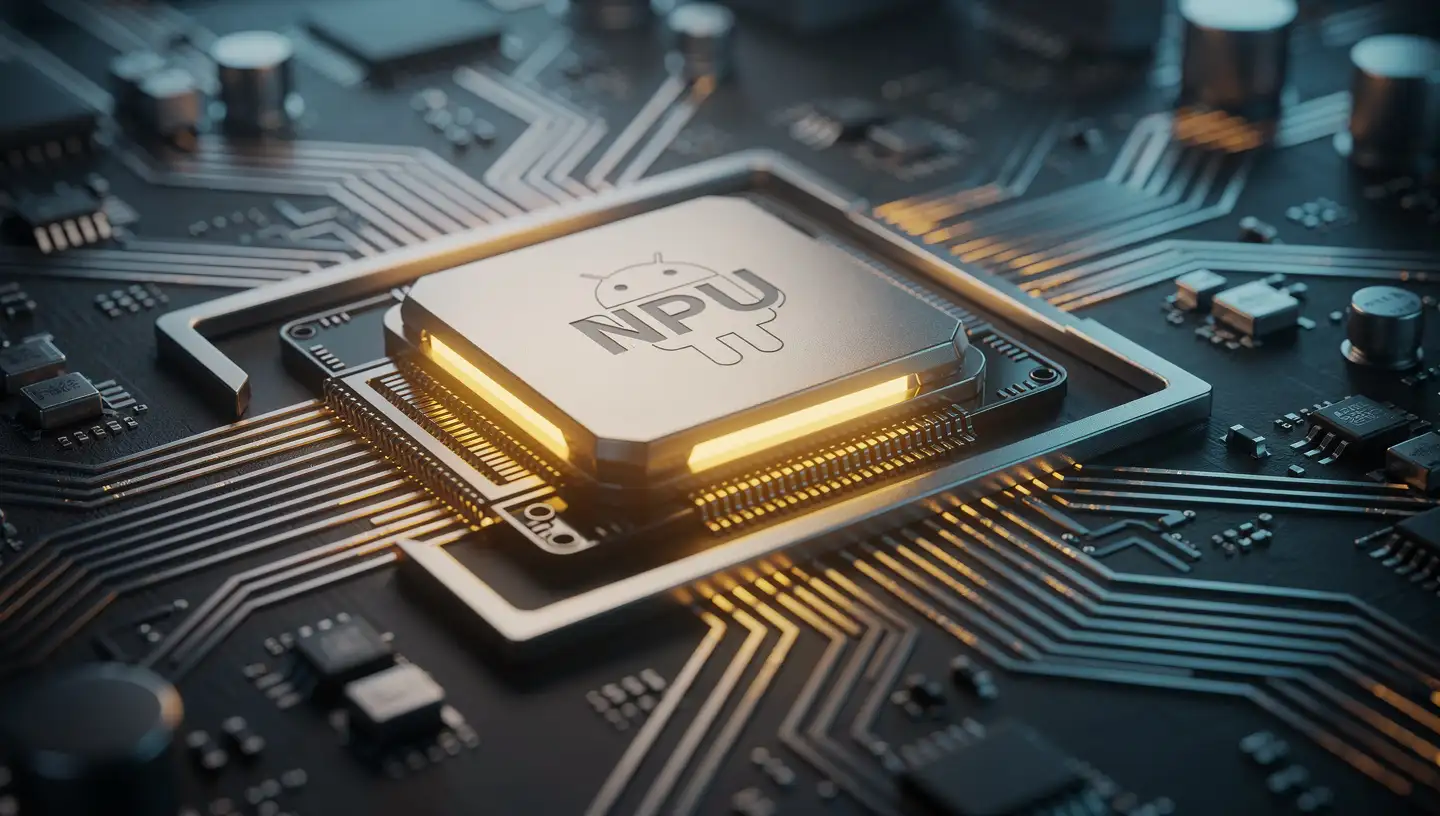
This shift is driven by improvements in mobile hardware, especially Arm-based processors and dedicated neural processing units (NPUs). These chips can now handle compact large language models (LLMs) efficiently. Recent work shows that models such as Gemma 3n and Meta’s Llama 3.2 can run on consumer devices with acceptable speed and accuracy, making offline AI practical rather than experimental. Android also has a mature machine learning stack, including LiteRT and Play services for on-device AI, which simplifies deployment and updates.
The result is a growing ecosystem of apps and tools that treat offline AI as a first-class feature rather than a fallback.
What on-device AI actually changes
The main difference is data control. When an AI model runs locally, text never leaves the device. There is no remote server to log prompts, no risk of data being reused for model training, and no exposure to cloud breaches. For sensitive use cases—personal notes, legal drafts, medical questions, or internal company documents—this is a concrete technical guarantee, not a policy promise.
Local processing also works without a network connection. Tasks such as translation, summarization, or rewriting continue to function on flights or in areas with poor connectivity.
There are economic effects as well. Running models locally avoids recurring cloud inference fees. For individual users, this means no subscription just to access basic AI features. For developers and businesses, it allows them to ship fine-tuned models while keeping client data on-device, which can be a selling point in regulated or privacy-sensitive markets.
Several apps already follow this model. Local AI offers private, tracker-free chats with adjustable parameters and fully offline operation.
Cloud risks, in concrete terms
Cloud-based AI systems concentrate sensitive data in a small number of locations. That makes them attractive targets. Large-scale breaches at cloud providers have exposed personal and corporate data in recent years, sometimes affecting millions of users at once. Even without a breach, cloud AI systems often retain user inputs for logging, debugging, or training unless users opt out—and sometimes even then.
Local AI avoids these risks by design. There is no central database to compromise. There is also no ambiguity about where the data goes: it stays on the device unless the user explicitly exports it.
Autonomy versus convenience
The trade-off is performance and ease of use. Phones are slower than desktops or servers, and they have strict limits on battery life, memory, and heat dissipation. Large models such as LLaMA 3.1 can take a long time to load on mobile hardware, and users may need to wait minutes before interacting.
Mid-range Android devices feel these limits most sharply. Heavy inference workloads can drain the battery quickly, increase device temperature, and slow down other apps. Developers often rely on quantized models in formats like GGUF to reduce memory use, but even then, response times can lag without access to a capable NPU.
Some apps make deliberate trade-offs and run entirely on the CPU to maximize compatibility and privacy. That choice improves reliability across devices but results in slower responses compared to apps that can offload work to NPUs or GPUs.
Real-world apps and tools
Several tools now make local AI usable on Android without custom development.
MLC Chat supports models such as Llama 3.2, Gemma 2, Phi 3.5, and Qwen 2.5. It handles chat, translation, and multimodal tasks and is optimized for newer chips like the Snapdragon 8 Gen 2, which include dedicated NPUs.
Google AI Edge Gallery is an experimental, open-source app that lets users download models from Hugging Face, such as Gemma 3B, and run them fully offline after installation.
For developers, Android’s ML stack combines LiteRT with Play services for on-device AI. Google Play for On-device AI manages model delivery and reduces app size by downloading models only when needed.
Models built for phones
Mobile-friendly models rely on aggressive optimization. Quantized versions of Google’s Gemma 3B, Meta’s Llama 3.2 (1B and 3B), and Microsoft’s Phi-3 Mini (3.8B) are small enough to fit on phones while still producing usable output.
Llama 3.2 supports multilingual text generation, tool calling, and long contexts of up to 128K tokens. Arm-optimized builds target Qualcomm and MediaTek chips, and the Llama Stack simplifies deployment across mobile and desktop environments.
Some on-device AI is already invisible to users. Gemini Nano runs locally on Pixel devices and powers features such as TalkBack’s offline image descriptions and voice recording summaries.
How local AI is actually set up
Installation is straightforward but less polished than cloud apps. For MLC Chat, users enable installation from unknown sources, download the APK, and follow the setup prompts. Layla AI uses a similar process. After installation, it requires a one-time internet connection to download the model files, then works fully offline.
Users choose a quantized model from a built-in hub, adjust parameters if needed, and start chatting. Larger models take longer to initialize, so testing with short prompts helps confirm that performance and privacy behave as expected.
Practical uses and what comes next
Offline AI on Android already supports everyday tasks: private note-taking, document Q&A, message summarization, role-playing with memory, and translation without connectivity. Llama 3.2 models can extract action items, summarize long threads, and trigger local tools such as calendar events without exposing data to external services.
Hardware efficiency is improving steadily. As NPUs become standard across mid-range devices, and as tools like Llama Stack mature, the performance gap between local and cloud AI will continue to narrow.
Conclusion
Running AI locally on Android changes the privacy equation. It replaces policy-based assurances with technical limits and gives users direct control over their data. Apps such as MLC Chat, Local AI show that offline AI is no longer theoretical. It works today, with clear trade-offs in speed and convenience.
Those trade-offs are shrinking. As models and hardware improve, on-device AI is likely to become a standard part of mobile computing rather than a niche option.