How to Run Local AI Models on Android for Private, Offline Chat
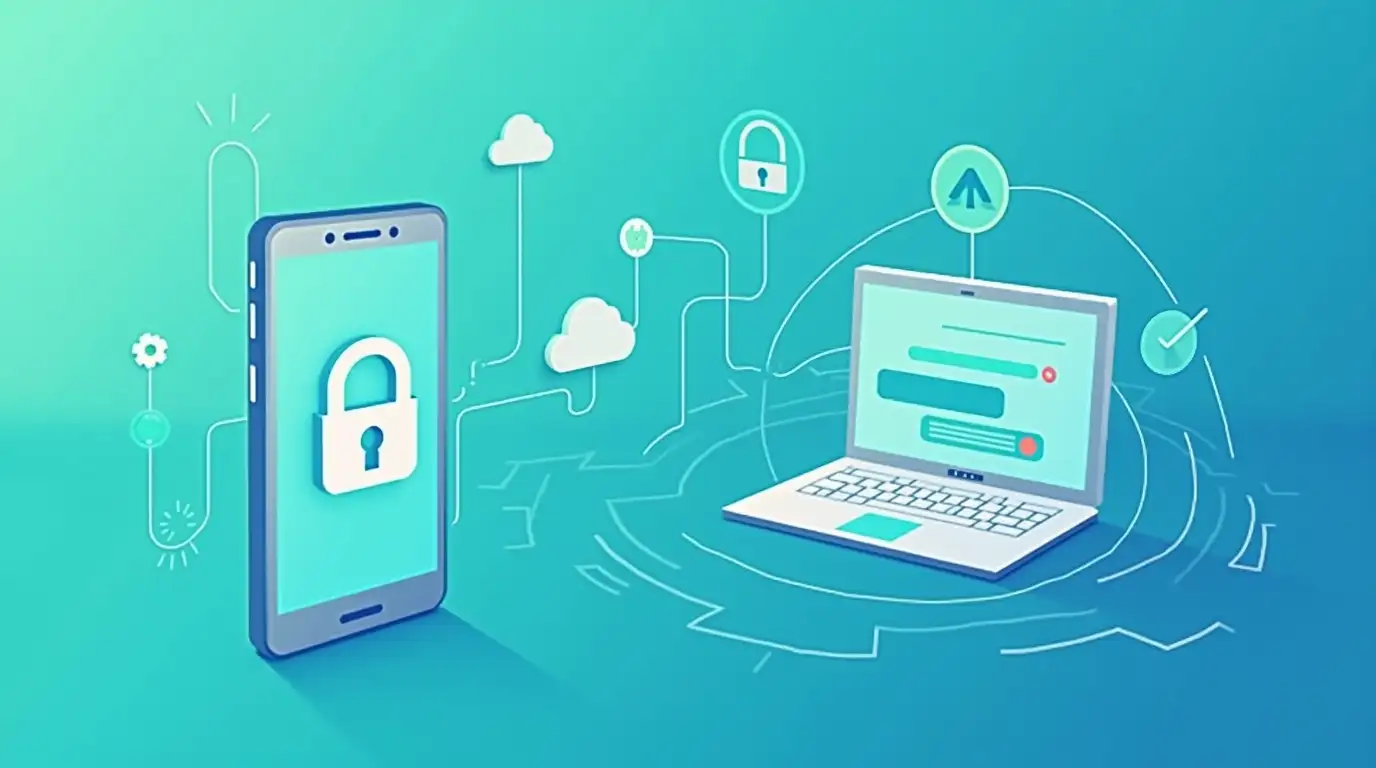
Artificial intelligence is becoming part of everyday life - but so are concerns about privacy, data ownership, and constant internet dependency. Most AI chat apps send your conversations to cloud servers you don’t control, often tied to subscriptions and opaque data policies.
What if you could run AI locally, keep your data private, and even chat offline on your Android device?
That’s exactly what’s possible with local AI models - and with apps like Chat with AI, using them is easier than ever.
What Are Local AI Models?
Local AI models, often called self-hosted or local LLMs (Large Language Models), are AI models that run on your own hardware instead of a third-party cloud server.
Instead of sending prompts to OpenAI or Google servers, your Android app connects to:
A local AI server on your computer
A self-hosted LLM on your home network
Or even an offline environment with no internet access
Popular local AI tools include:
Ollama
LM Studio
Other OpenAI-compatible local LLM servers
These tools expose APIs that behave like cloud AI services - but everything stays under your control.
Why Use Local AI on Android?
1. Complete Privacy and Data Ownership
When using local AI models:
Your chats never leave your network
No third-party servers log your data
No hidden data retention policies
This is ideal for:
Privacy-conscious users
Developers testing sensitive prompts
Businesses handling proprietary data
2. Offline AI Chat
Once your local AI server is running, your Android phone can chat with AI without internet access.
This is especially useful for:
Traveling
Remote or low-connectivity environments
Secure or air-gapped networks
3. No Subscriptions or Usage Limits
Local AI means:
No monthly fees
No message caps
No surprise overage charges
You use your own hardware and models, so costs are predictable and transparent.
How Local AI Works with Android Apps
Local AI models typically run on:
A desktop computer
A home server
A local machine on the same Wi-Fi network
Your Android app then connects using an OpenAI-compatible API endpoint.
From the app’s perspective:
It looks like a normal AI provider
You can send prompts and receive responses
Switching between local and cloud models is seamless
This is where Chat with AI shines.
Using Chat with AI for Local Models
Chat with AI is designed specifically to support local, self-hosted, and cloud AI models - all in one place.
Key Advantages
Supports Ollama, LM Studio, and other OpenAI-compatible servers
Simple configuration using your own API endpoints
Switch models instantly via a dropdown
Works alongside cloud providers like OpenAI or Google
Step-by-Step: Connecting a Local AI Model
Run a Local LLM Server
Start Ollama or LM Studio on your computer
Load your preferred model (e.g., LLaMA, Mistral, Mixtral)
Ensure Network Access
Make sure your Android phone is on the same network
Expose the local API endpoint
Configure Chat with AI
Open Settings
Add a new AI provider
Enter your local server’s API URL
(Optional) Add a dummy API key if required by the server
Start Chatting
Select the local model from the dropdown
Chat normally - no internet required
Switching Between Local and Cloud AI Models
One of the biggest advantages of Chat with AI is flexibility.
You can:
Use local models for private conversations
Switch to cloud models for higher performance
Compare responses instantly
Control cost vs quality in real time
All without changing apps or subscriptions.
The Future of Private AI on Mobile
As AI adoption grows, privacy-first and user-controlled AI will become more important—not less.
Local AI models:
Put users back in control
Reduce dependency on big cloud providers
Enable offline and secure AI experiences
With Chat with AI, running local AI on Android is no longer complicated or niche - it’s practical, flexible, and powerful.
Final Thoughts
If you’ve ever wanted:
AI chat without subscriptions
AI that works offline
Full control over your data and models
Then local AI on Android is the answer - and Chat with AI is the easiest way to make it happen.
Whether you’re running everything locally or mixing cloud and self-hosted models, you get flexibility, privacy, and transparency - exactly how AI should be.