Privacy-First AI on Android: Why Self-Hosted Language Models Matter
Artificial intelligence is amazing, but it comes with a trade-off most people ignore: your data.
Every time you send a prompt to a cloud AI, your message leaves your device. Even if the provider promises privacy, your chats are passing through servers you don’t control.
If you care about data ownership, security, or just having control, there’s another way: self-hosted language models on Android.
What Are Self-Hosted AI Models?
Self-hosted AI models, also called local LLMs, are AI models that you run on hardware you control:
On your own computer
On a local network server
Or even directly on compatible devices
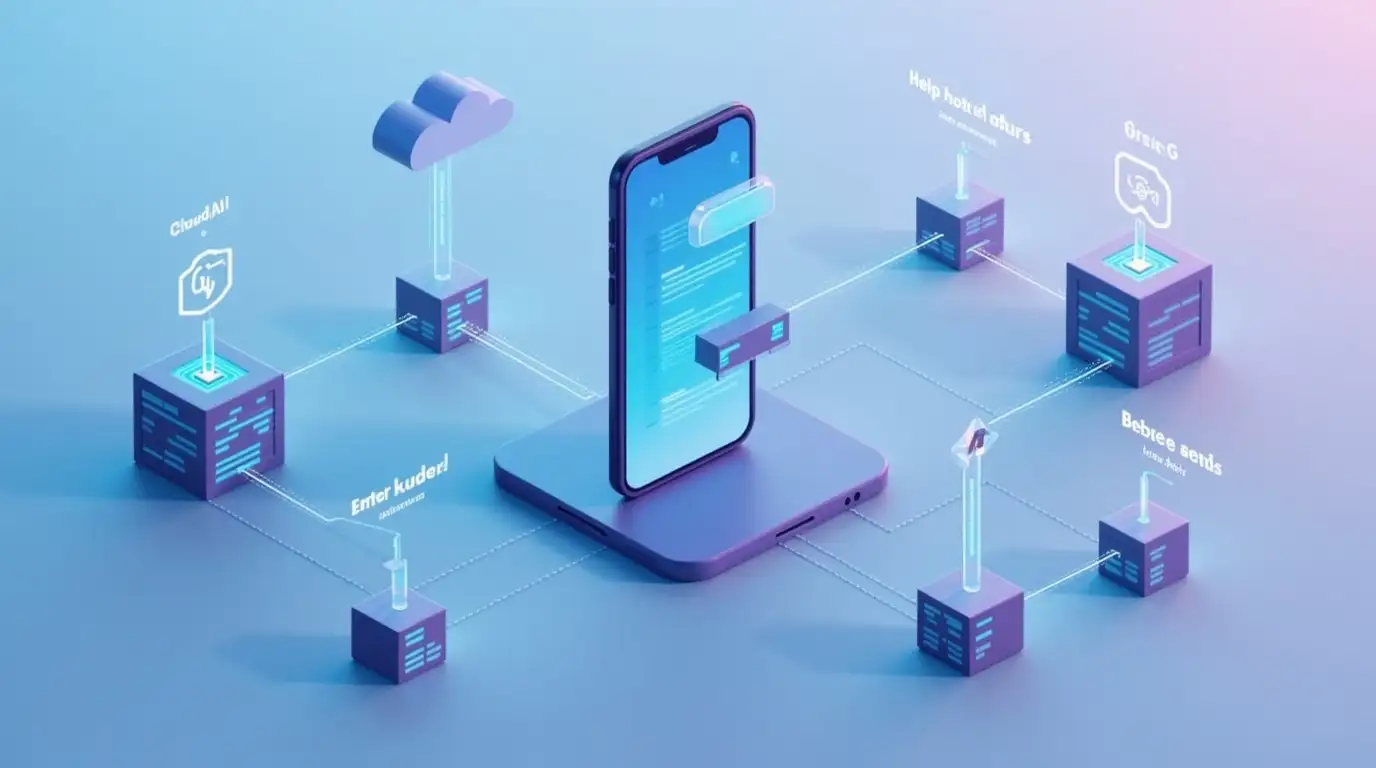
Your Android device then connects to the local model, usually via an OpenAI-compatible API, to send and receive prompts. Unlike cloud AI, your data never leaves your environment.
Why Privacy Matters
You might think, “My provider keeps my data safe anyway.”
That’s true for many providers, but privacy isn’t just about trust—it’s about control.
With self-hosted models, you know exactly where your data is stored. You decide:
Whether logs are kept
How prompts are processed
Who can access your conversations
No middlemen. No surprises. No hidden retention policies.
Benefits of Self-Hosted AI on Android
1. Complete Data Control
You store everything where you want it. No cloud servers involved unless you choose.
2. Offline Capability
Once set up, you can chat without internet access. Perfect for secure or remote environments.
3. Flexible Model Choices
Run different models depending on your task. Want LLaMA for experimentation? Ollama for efficiency? LM Studio for speed? All are possible.
4. Predictable Costs
No pay-per-use AI bills. After initial hardware or setup, usage is effectively free.
How It Works with Chat with AI
Chat with AI is built to make self-hosted AI practical:
Run your local server (LM Studio, Ollama, or another LLM).
Connect your Android device via your local network.
Add the local server’s API endpoint in the app.
Chat as usual — your prompts stay private.
You can also switch seamlessly between local and cloud models when needed, depending on your task.
Who Should Use Self-Hosted AI
Self-hosted models aren’t just for hardcore techies. They’re ideal if you:
Value data privacy and ownership
Work with sensitive information
Want offline AI capabilities
Are a developer or researcher testing multiple models
Even casual users benefit from the peace of mind knowing their prompts stay private.
A Modern Approach to Privacy
The future of AI isn’t just about powerful models. It’s about trust, control, and flexibility.
Using self-hosted AI models on Android gives you the best of both worlds:
A mobile AI experience
Complete control over your data
The ability to switch between local and cloud AI whenever you want
It’s not just about chatting — it’s about chatting safely.
Final Thoughts
Privacy-first AI doesn’t have to be complicated or inconvenient.
By running self-hosted language models and using flexible apps like Chat with AI, you can:
Protect your data
Work offline
Experiment with different models
Maintain full transparency
The result? A truly user-controlled AI experience on Android, where you are in charge.